Unlimited vs per-GB residential proxies: the break-even maths
A worked break-even between per-GB and unlimited residential proxies, with formulas to estimate your daily GB and the hidden costs that change the answer.
ZenProxy team · 8 November 2026 · 9 min read
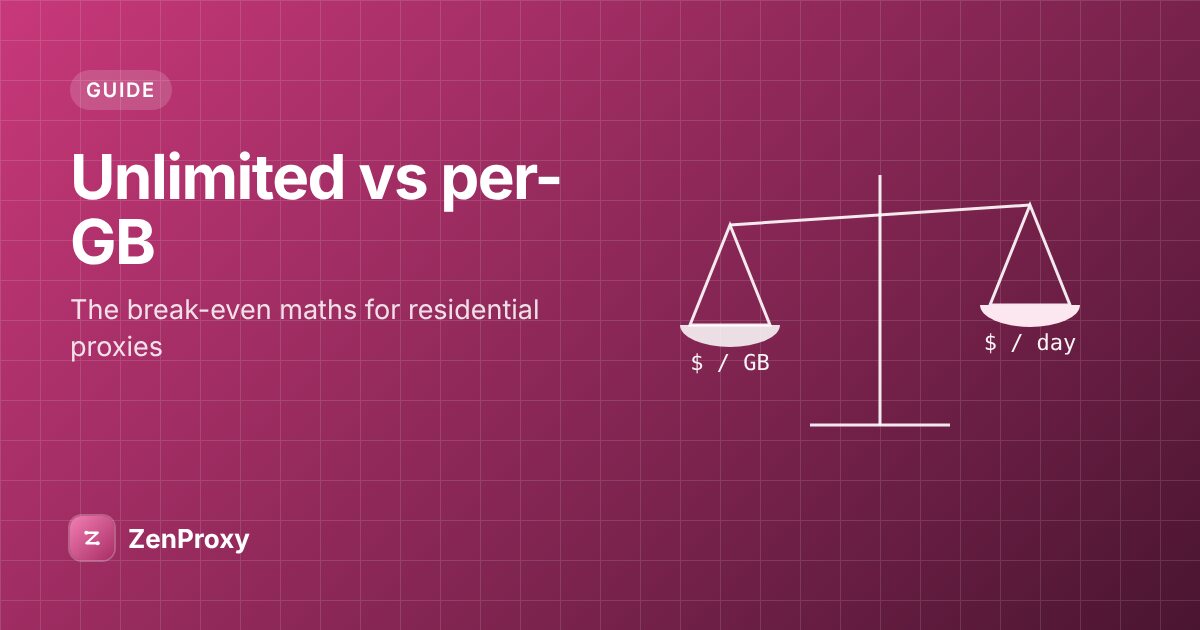
In short: Per-GB is cheaper unless you move a lot of data on every day of the plan. Unlimited only wins when your GB a day, every day, is above its break-even: the Unlimited price per day divided by the price you pay per GB. Below that, buy gigabytes. If your target accepts datacenter IPs, Rotating Datacenter also has unlimited data, and the same sum tells you whether it beats both.
How each model charges
Per-GB plans charge for the data that passes through the proxy. Residential Lite sells any amount from 1 GB: the rate per GB falls as you buy more, and the data stays usable for 180 days.
Unlimited Residential charges for speed and time instead. You pick a speed and a length: 1 day, 1 week, 30 days or 60 days. You don't pay per GB, and it supports SOCKS5 as well as HTTP.
| Residential Lite | Unlimited Residential | Rotating Datacenter | |
|---|---|---|---|
| You pay for | Data transferred | Speed and time | Time |
| Data | What you buy, usable for 180 days | Unlimited | Unlimited |
| Plan lengths | Any amount from 1 GB, no fixed length | 1 day, 1 week, 30 or 60 days | 1 day, 1 week or 30 days |
| Targeting | Country only, no state or city | See the plans page | US or Europe endpoint, no country choice |
| IP type | Residential | Residential | Datacenter |
Prices change, so check the current ones on the plans page before you decide. To compare per-GB rates with other providers, see residential proxy prices compared.
Speed sets a ceiling, not a promise. One megabit per second, sustained for 24 hours, moves 10.8 GB. So 200 Mbps can carry about 2,160 GB a day at full speed and 1 Gbps about 10,800 GB. Real use is lower, because targets respond at different speeds.
Step 1: estimate your GB per day
GB per day = requests per day × KB per request × (1 + retry rate) ÷ 1,000,000
- KB per request is everything one request pulls over the wire. For a plain HTTP client, that's the response body (compressed, if the server compresses it) plus headers. For a headless browser, it's every script, stylesheet, image and font the page loads.
- Retry rate is the share of extra requests spent on retries: 0.15 for 15%.
- We use 1,000,000 KB per GB. If a meter counts in 1,024-based units, the figures shift by about 7%.
Measure, don't guess. curl reports the bytes as they arrived, before decompression:
curl -s -o /dev/null --compressed \
  -x "http://USERNAME:PASSWORD@HOST:PORT" \
  -w '%{size_header} header bytes, %{size_download} body bytes\n' \
  "https://example.com/some/page"
Measure a sample of real pages, not one, and include the redirects and retries your client makes.
Four example workloads. The sizes are examples for the arithmetic, not measurements of any site:
| Workload | Requests a day | KB each | Retries | GB a day |
|---|---|---|---|---|
| Price checks, HTML only | 20,000 | 120 | 15% | 2.76 |
| A JSON endpoint | 500,000 | 8 | 5% | 4.2 |
| Headless browser, everything loaded | 100,000 | 2,500 | 10% | 275 |
| The same crawl, images, fonts and media blocked | 100,000 | 700 | 10% | 77 |
Step 2: find your break-even
break-even GB per day = Unlimited price per day ÷ your price per GB
For the Unlimited price per day, take the price of the plan length you would buy from the plans page and divide it by its days. Work the break-even out for each length you are considering: the price per day can differ between lengths.
Use the rate you would actually pay. The lowest rate per GB is the volume rate; smaller orders cost more per GB, which lowers the break-even. Check the plans page for the rate at the amount you'd buy.
In throughput terms, divide the break-even GB a day by 10.8 for the average speed it takes, all day, every day: 200 GB a day, for example, is about 18.5 Mbps around the clock.
Applied to the four workloads: multiply each one's GB a day by your rate per GB for its cost per day on Lite, and compare that with the Unlimited price per day. The price checks (2.76 GB a day) and the JSON endpoint (4.2 GB) are light; the headless crawl (275 GB) is heavy.
The last two rows of the workload table are the same crawl. Blocking images, fonts and media cuts its data by about 72%, from 275 GB to 77 GB a day, and that can move it from above the break-even to below it.
Idle days count too. An unlimited day costs the same whether your job runs or not. If the crawl runs 5 days a week, each working day costs the Unlimited price per day × 7 ÷ 5, so the break-even per working day is 40% higher. Unused Lite data stays usable for 180 days.
Hidden costs that change the answer
Retries and failed requests
On per-GB plans, small failed requests use almost nothing, but a large blocked page still uses data, and every retry downloads again. If retries add 30% more requests of the same size, they add about 30% to your data. Cap retries, back off, and fix the cause instead of paying to download block pages.
Images, fonts and video
These are often most of a rendered page's weight. A plain HTTP client doesn't fetch them; a browser does unless you block them.
Headless browsers
A browser loads every subresource, including scripts from other domains, and each fresh browser context starts with an empty cache. Measure a real page with the script below before you price anything.
Connection overhead
On a rotating line, each new connection gets a new IP and its own TLS handshake. For small JSON responses, that overhead can be a noticeable share of each request. If you don't need a new IP every time, a sticky line with keep-alive reuses one connection.
On unlimited: idle hours and the speed cap
You pay for every hour of the plan. A job that runs 8 hours a day uses a third of what you paid for, and the speed you chose caps your busiest hour.
How to cut your GB
- Block images, fonts and media in the browser. With Playwright:
from playwright.sync_api import sync_playwright

BLOCKED = {"image", "font", "media"}
total = {"bytes": 0}

def block_heavy(route):
    if route.request.resource_type in BLOCKED:
        route.abort()
    else:
        route.continue_()

def count(request):
    sizes = request.sizes()
    total["bytes"] += sizes["responseHeadersSize"] + sizes["responseBodySize"]

with sync_playwright() as p:
    browser = p.chromium.launch(proxy={
        "server": "http://HOST:PORT",
        "username": "USERNAME",
        "password": "PASSWORD",
    })
    page = browser.new_page()
    page.route("**/*", block_heavy)
    page.on("requestfinished", count)
    page.goto("https://example.com/", wait_until="load")
    print(f"{total['bytes'] / 1000:.0f} KB received")
    browser.close()
Install it with pip install playwright and playwright install chromium. Playwright reports the response body size as encoded, which is what crossed the wire. Comment out the page.route line to compare a run without blocking. Our Playwright guide covers proxy set-up.
- Use the data behind the page. Many pages load their content from a JSON endpoint, and requesting it directly is usually a fraction of the rendered page. Sitemaps, feeds and official APIs are lighter still. Stay within each site's terms.
- Ask for compression. Python's requests asks for gzip and deflate by default, adds Brotli (
br) when the brotli or brotlicffi package is installed, and decodes the response for you. Check theContent-Encodingresponse header to see what the server used, and only advertise encodings your client can decode. - Don't download what hasn't changed. Send
If-None-MatchorIf-Modified-Since. If the page hasn't changed, the server answers304 Not Modifiedinstead of sending it again. Schedule checks by how often pages actually change. - Keep other traffic off the proxy. Your own APIs, LLM calls and package downloads don't need a residential IP.
- Fail fast. Short timeouts and a retry cap stop one slow or blocking target from eating your data.
When Rotating Datacenter is the cheaper fit
Rotating Datacenter also comes with unlimited data, priced by plan length; compare its price per day with Unlimited Residential on the plans page. You send everything to one endpoint, over HTTP or SOCKS5 on the same port, and choose rotating IPs or a sticky session set by a session ID.
Against Residential Lite, the same formula applies: its price per day divided by your rate per GB is the GB a day above which Rotating Datacenter is cheaper. Against Unlimited Residential, compare the two prices per day.
The catch is the IP type. Some sites block or challenge IPs that belong to hosting companies, and you choose only a US or Europe endpoint, with no country or city targeting. So test first: run a sample of your real job on a 1-day plan and check the success rate. If it holds, Rotating Datacenter is the cheapest of the three for a heavy job. If you see blocks or CAPTCHAs, move to residential and use the maths above.
A quick way to decide
- Test whether your target works on datacenter IPs. If it does, use Rotating Datacenter.
- If not, measure KB per request and work out your GB per day.
- Below your break-even, or if the job doesn't run every day, buy Residential Lite by the GB.
- Above it, every day for weeks, choose Unlimited Residential. For the speed, multiply the GB you move in your busiest hour by 2.22 to get Mbps. At full speed, 200 Mbps carries up to 90 GB an hour.
Questions people ask
Are unlimited residential proxies really unlimited?
On our Unlimited Residential plans you pay for speed and time, not per GB. The limit is the speed you buy: at full speed, 200 Mbps can move about 2,160 GB in a day and 1 Gbps about 10,800 GB.
How much data can 1 Mbps move in a day?
10.8 GB, if it runs flat out for 24 hours. Divide your GB per day by 10.8 for the average speed you need, then size for your busiest hour rather than the average.
Do failed requests count towards my GB?
On per-GB plans, data that passes through the proxy counts, whether the request succeeds or not. Small failed requests use almost nothing; blocked pages and retries use as much as normal pages. On Unlimited, failures cost time and bandwidth instead of money.
Is the lowest per-GB rate available on any order?
No. It's the volume rate: the rate per GB drops as you buy more. Check the plans page for the price of the amount you'd buy.
Can I switch from per-GB to unlimited later?
Yes. Lite data stays usable for 180 days, so you can start by the GB and move to Unlimited when the numbers say so, without losing the gigabytes you've already bought.
Sources
- curl man page: --compressed and --write-out variables
- Playwright for Python: Network (route and abort)
- Playwright for Python: Request class (resource_type and sizes)
- MDN: Accept-Encoding
- Requests quickstart: response content and decoding
- urllib3 source: default Accept-Encoding used by requests
- MDN: HTTP conditional requests