Proxies for Instagram, X and LinkedIn: a setup guide for teams
How Instagram, X and LinkedIn differ, which proxy type fits each, and a setup checklist for teams: one IP per profile, the right country, 2FA, no shortcuts.
ZenProxy team · 8 November 2026 · 9 min read
In short: Give every profile one IP in the account's usual country, and keep it. Instagram is built around its phone app, so a sticky mobile session fits it best; X and LinkedIn are often run from a desktop browser, where a dedicated static ISP IP per browser profile is the steadier choice. Turn on two-factor authentication everywhere and never rotate IPs on a login. A proxy helps you manage accounts you are authorised to run; it doesn't make rule-breaking automation, duplicate accounts or ban evasion acceptable on any of these platforms.
What a proxy does for a social media team
An agency or in-house team running accounts for several brands signs in from many places: offices, homes, phone data, hotel Wi-Fi. Each new network is a new location as far as the account is concerned, and new locations are more likely to draw security checks. X, for example, says it sends an alert when it detects a suspicious login or when you log in from a new device for the first time.
A proxy gives each profile one fixed exit IP in a country you choose, so its logins come from the same place every time. That keeps sign-ins consistent and predictable. It doesn't change any platform's rules, and it is no substitute for good account security.
How Instagram, X and LinkedIn differ
| X | |||
|---|---|---|---|
| Where teams usually work | The phone app | Browser and app | Browser |
| Proxy type | Mobile, sticky | Static ISP per browser profile; mobile for the app | Static ISP |
| IP country | The account's home market | The account's home market | Where the profile's owner works |
| Team access without sharing passwords | Ask whether Meta's business tools cover the account | X Pro Teams, which X is redesigning | Ask the Page's admins for access |
Instagram: built for the phone
Instagram is designed around its phone app, so for many teams the work happens on a phone: posting, answering comments, reading messages. That makes a mobile proxy the natural fit. Mobile proxies use IPs from mobile carriers' networks, and carriers put many phones behind one IP, so a mobile IP is what a phone normally has.
- Keep each brand's account on one work phone that stays with your team, not on staff's personal phones.
- Give that phone one sticky mobile session, with the same country, and the same carrier if you like, every time: for example
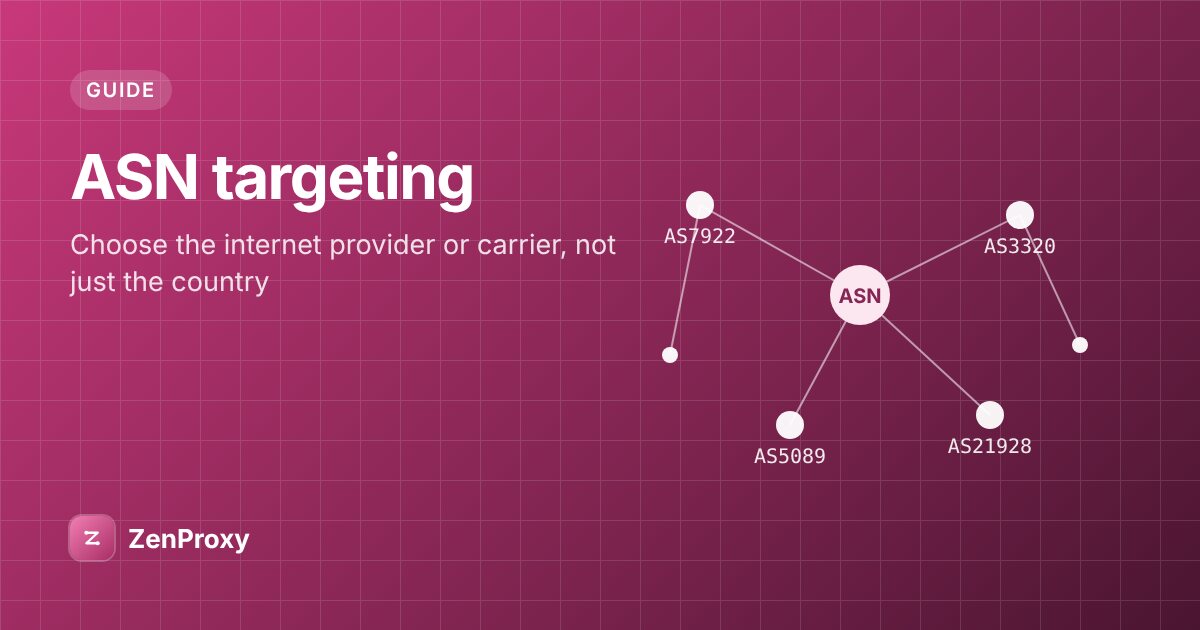
USERNAME-country-us-asn-21928for T-Mobile in the US. - On iPhone, the Wi-Fi proxy setting takes a username and password, and covers that Wi-Fi network only, not mobile data; see our iPhone and iPad guide. Android's Wi-Fi proxy setting has no password field, so use a proxy app that supports username and password; see the Android guide.
- Some apps ignore the system proxy setting. Check the IP in the phone's browser, and if you need every app covered, use a proxy app that routes all traffic.
- If you schedule posts from a desktop browser instead, treat that profile like any other: one static ISP IP.
For a brand's account, check whether Meta's business tools can give your team access before anyone shares a password.
X (formerly Twitter): written rules on accounts and automation
X spells out what it allows. Its platform manipulation and spam policy says "X allows users to create and/or operate up to ten (10) accounts for different, non-duplicative purposes." It doesn't allow creating several accounts to boost trending topics or hashtags, to engage with the same posts, accounts or polls, or to cross-post the same content, and it bans workarounds to exceed the technical limits of account creation, such as phone number limits. Selling, buying or trading accounts, usernames or temporary access to accounts is also against the policy.
X's automation rules allow automated posts for entertainment, informational or novelty purposes, but not automated likes or following in a bulk, aggressive or indiscriminate way. They also rule out non-API automation such as scripting the X website, and warn that these techniques may lead to permanent suspension. Its ban evasion policy is blunt: "You can't circumvent an X suspension, enforcement action, or anti-spam challenge."
For teams, X says Pro Teams "lets you share access to your accounts without needing to share passwords". It also says it is still redesigning the Pro Teams experience, so check what is available to you now.
For a browser, use one static ISP IP per profile. For the phone app, use a sticky mobile session, as with Instagram.
LinkedIn: one person, one profile
A LinkedIn profile belongs to one professional, with their connections, messages and work history. Treat it that way:
- The person who owns the profile should be the one who signs in. If anyone else will help with it, read LinkedIn's User Agreement first.
- For a company Page, ask the brand to give your team admin access to the Page, rather than signing in as one employee.
- Give the owner's browser profile a static ISP IP in the country where they work, and keep it. For a profile they return to every day, a dedicated Private ISP IP is the steadiest option.
- A sign-in from a new place may need verifying. Before you move a profile to a new IP, make sure its owner can receive any code or confirmation.
- Before using any tool that sends invitations, messages or profile visits for you, check LinkedIn's terms. If it isn't clearly allowed, don't use it.
If LinkedIn is blocked on your work network, ask your IT team rather than routing round the block.
Setup checklist
1. One IP per profile
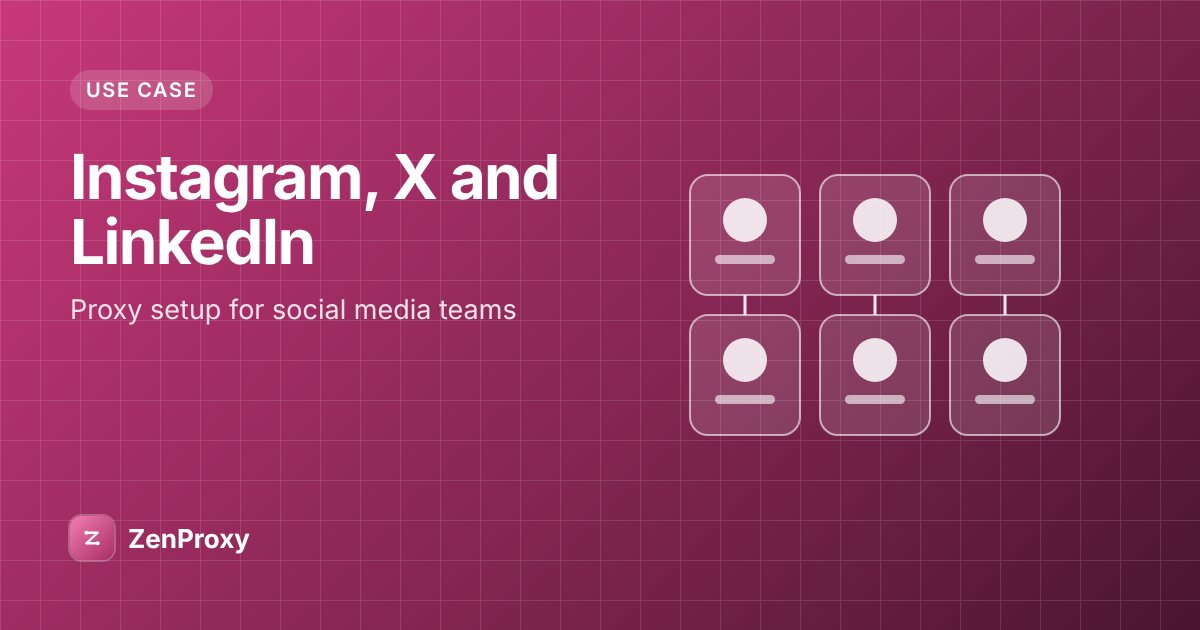
Each browser profile or work phone gets its own IP, and nothing else uses it. Use one profile per person, or per account owner: give each its own static ISP IP or its own sticky session. Keep a sheet that maps each profile to its owner, IP and country.
2. Sticky or static
| Session type | How long the IP lasts | Use it for |
|---|---|---|
| Static ISP (Shared or Private) | The whole plan; Private ISP IPs stay yours if you renew before the plan ends | Browser profiles you sign in to for weeks or months |
| Sticky (residential or mobile) | A while, until the session ends or the device behind it goes offline | Work phones on mobile IPs; countries where you can't get an ISP IP |
| Rotating | A new IP for each new connection | Not for logins |
A browser opens many connections per page, so a rotating line can split one page across several IPs and log you out. More detail is in rotating vs sticky proxies.
Private ISP IPs are dedicated to you and work over HTTP(S), not SOCKS5. Shared ISP is cheaper, but other customers can use the same IPs. Current locations for both are on their product pages.
3. The country
Use the account's home market. For LinkedIn, use the country where the profile's owner works. On residential and mobile plans you set the country in the username, for example USERNAME-country-gb, or in the proxy generator. A static ISP IP stays in the same place for the whole plan.
Check every line before its first login. This loop reads HOST:PORT:USERNAME:PASSWORD lines, copied from the proxy generator with any -country- suffix already in the username, from proxies.txt and prints the exit IP details for each:
while IFS=: read -r host port user pass || [ -n "$host" ]; do
  [ -n "$host" ] || continue
  pass=${pass%$'\r'}
  echo "== $host:$port"
  curl -sS --max-time 20 -x "http://$host:$port" -U "$user:$pass" https://ipinfo.io/json || echo "failed"
  echo
done < proxies.txt
Compare the country field with your sheet.
4. Two-factor authentication
Turn it on for every account. X offers three methods: text message, an authentication app or a security key. Where you have the choice, prefer an app or a key over text messages. Agree in advance who holds the second factor for each client account, usually the client or one named person, so a check at 9 pm doesn't stall a campaign. Keep backup codes in your team's password manager.
5. Move an account to a new setup carefully
Moving an account to a new phone, profile or IP is a real change, and the account owner should know it is coming:
- Make sure the owner can receive any code or confirmation before you start.
- Sign in once, complete any check, and stay signed in. Don't log in and out repeatedly.
- Change one thing at a time. If you switch the IP and change the password, email and phone number on the same day, the owner may have no way left to confirm it's them.
6. Log out of shared devices
X advises signing out when you use a public computer, and the same goes for any shared machine. Don't leave client accounts signed in on personal phones or shared office computers. When someone leaves or a contract ends, remove their access and change any password they knew. X also suggests reviewing the third-party apps connected to your account from time to time; do that for every platform, and revoke any you don't recognise.
What not to do
- Don't share IPs across accounts with different owners. A shared IP carries a shared reputation, and each owner's sign-ins should stay their own.
- Don't rotate IPs on logins. Use sticky or static lines.
- Don't run automation that breaks platform rules. On X that includes automated likes, bulk following and scripting the website. For Instagram and LinkedIn, read their terms before using any tool that acts for you. Don't use proxies for spam or fake engagement.
- Don't buy, sell or rent accounts. X's policy names account sales and temporary access explicitly.
- Don't use a proxy to get around a ban or suspension, on X or anywhere else.
- Don't run client accounts on free proxy lists or consumer VPNs. You share those IPs with strangers.
What it costs
Prices on 8 November 2026:
- Mobile: $4.49 for 1 GB, from $2.56 per GB at volume. You pay for all data that passes through the proxy, so keep personal browsing and video off the work phone.
- Private ISP: $2.75 per IP for 30 days on orders of 1 to 19 IPs, $2.50 for 20 to 49 and $2.00 for 50 or more.
- Shared ISP: from $0.72 per IP per month.
Current prices are on the plans page. For more on running several accounts, see social media management.
Questions people ask
What is the best proxy for Instagram?
For the phone app, a sticky mobile session in the account's home country. For a desktop browser profile, a dedicated static ISP IP. Avoid rotating lines and datacenter IPs for logins.
Is there a cheap proxy that works for Instagram?
Mobile is billed per GB, so the cost depends on how much the phone loads through it; video uses the most. Shared ISP is the cheapest static option, but other customers can use its IPs. Free proxies are a poor choice for any account you care about.
Can I run several X accounts through one proxy?
X's policy allows up to ten accounts for different, non-duplicative purposes. Where different people or clients own the accounts, give each owner's profile its own IP so their sign-ins stay their own, and keep every account within the policy.
Do I need a proxy for LinkedIn?
Not if the profile's owner signs in from their own usual connection. A proxy helps when they travel or work from several places and want one stable IP in the country where they work. Keep two-factor authentication on either way.
Should I use sticky or static IPs for social accounts?
Static ISP for browser profiles you return to for weeks, because the IP doesn't change during the plan. Sticky mobile sessions for work phones. Never rotating for logins.