What are ISP proxies? How to choose an ISP proxy provider
ISP (static residential) proxies explained and compared with residential and datacenter, plus a nine-point checklist for choosing a provider and testing before you scale.
ZenProxy team · 8 November 2026 · 9 min read
In short: An ISP proxy, also sold as a static residential proxy, is a fixed IP address registered to an internet service provider but usually run from a server in a data centre. You keep the same address for the whole plan, at server speed, and a site that looks up the IP sees an ISP rather than a hosting company. To choose a provider, check the network (ASN) behind the IPs, shared or dedicated use, subnet spread, renewal terms, protocols, locations, per-IP price and minimum order, and refunds. Then test a small order before you scale.
What an ISP proxy is
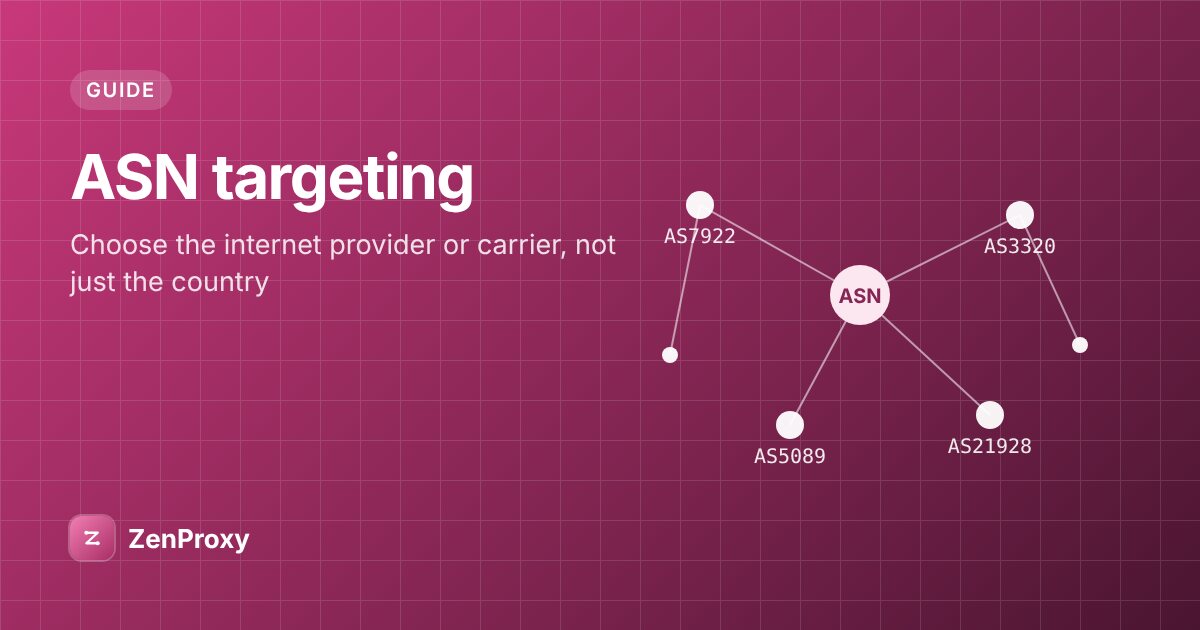
Every IP address belongs to a block that a network announces under its ASN (autonomous system number). With an ISP proxy, that network is an internet service provider, but the proxy server sits in a data centre.
That gives you three things:
- Static. The IP doesn't change during the plan, so a site sees the same address every day.
- ISP-registered. A lookup shows a telecoms company, not a cloud or hosting company. Some sites block or challenge IPs that belong to hosting companies, so this matters.
- Server-hosted. No household connection sits in the middle, so speed and uptime stay steady.
"ISP proxy" and "static residential proxy" usually mean the same thing. No home is behind the address, though: the IP is registered to an ISP, but the traffic comes from a server. ISP registration answers the question of who owns the IP. It says nothing about your browser or how you behave on a site.
ISP vs residential vs datacenter proxies
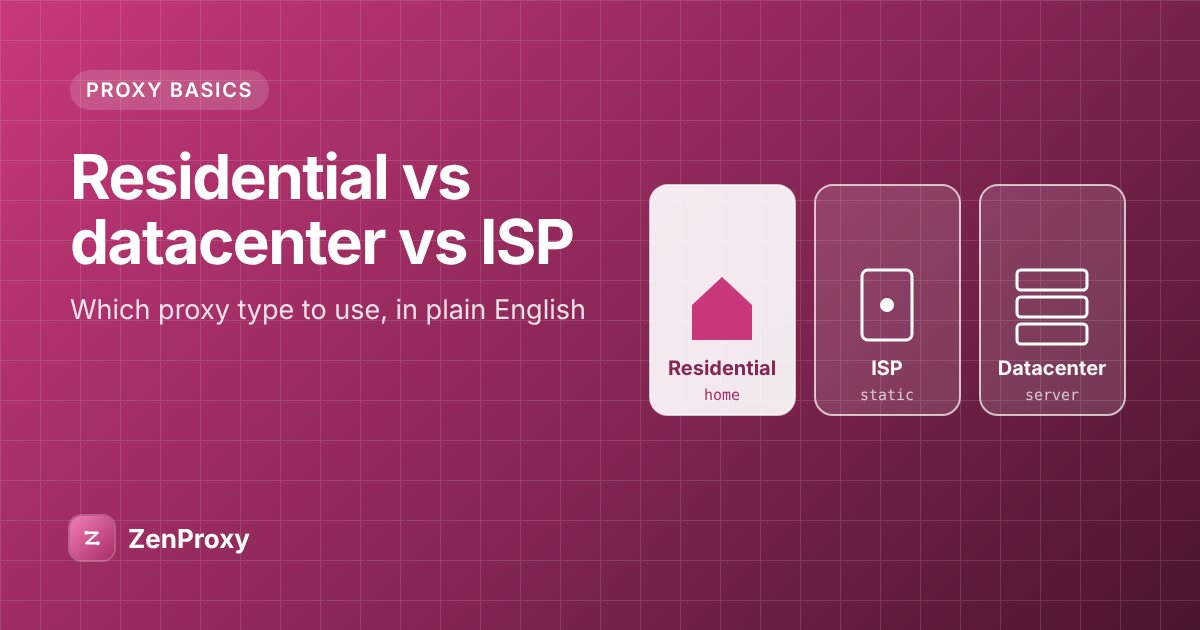
| Residential | ISP (static residential) | Datacenter | |
|---|---|---|---|
| Where the IP lives | Real home devices | A server, usually in a data centre | A server in a data centre |
| Registered to | Home ISPs | An ISP | A hosting or cloud company |
| Does the IP change? | Rotates per connection, or sticky for a while | No, the same IP for the whole plan | Fixed list, or a rotating gateway |
| Speed | Depends on the home connection | Steady server speed | The fastest |
| Billing | Usually per GB | Per IP, per period | Per IP or per period |
| Best for | Scraping at scale, city and ISP targeting | Accounts and long sessions, allow-lists | Volume on sites that accept datacenter traffic |
Use residential for many IPs, rotation or precise targeting; ISP when one IP must stay the same for days or weeks; datacenter for the lowest cost and highest speed where the site accepts it.
When an ISP proxy is the right choice
ISP proxies suit work where the address must not change:
- Accounts you sign in to over days or weeks, with one IP per account or browser profile. Agencies, brands and teams managing their own accounts should keep within each platform's rules.
- Allow-lists: a partner, API or admin panel that only accepts known IPs.
- Long sessions: dashboards, monitoring and multi-step workflows.
- Price, stock and QA checks that should always run from the same known IPs.
They're the wrong tool for large crawls that need a fresh IP per request, or for choosing a city or ISP per request. Residential Premium is built for that: it's billed per GB and takes country, region, city and ISP (ASN) targeting.
How to choose an ISP proxy provider: a 9-point checklist
We sell ISP proxies, so we won't rank providers here. Use these checks on any provider, including us.
1. The ASN, and whether it's a real consumer ISP
Look up a few of the IPs (ask for a sample before you buy) in our IP lookup, bgp.he.net or RIPEstat, and note each one's ASN and holder. Then ask:
- Does the holder sell home or mobile internet in that country? A broadband brand you recognise is the best sign.
- Or is it a hosting company, a cloud provider, the ISP's backbone network, or a company you can't find? Then sites that check the IP's owner will see that too.
- Is the ASN registered in the country you're buying? bgp.he.net shows this as Country of Origin on the AS Info tab.
RIPEstat does both lookups from the terminal. Replace 8.8.8.8 with an IP from your list:
# Which ASN announces this IP?
curl -s "https://stat.ripe.net/data/network-info/data.json?resource=8.8.8.8"

# Who holds that ASN?
curl -s "https://stat.ripe.net/data/as-overview/data.json?resource=AS15169"
For 8.8.8.8 the answers are AS15169 and "GOOGLE - Google LLC": Google's own network, not a consumer ISP. An ISP proxy should show a telecoms holder.
2. Shared or dedicated
Shared IPs can be used by other customers at the same time. They cost less, but a site may already have seen them, and you can't control what other users do on them. Dedicated IPs are yours alone. Ask the provider what "shared" means in practice. Choose dedicated for accounts and anything where someone else's traffic on your IP would hurt you; shared is fine for monitoring and budget work.
3. Subnet diversity
A /24 is a block of 256 addresses that share their first three numbers, such as 203.0.113.0 to 203.0.113.255. Some sites and blocklists act on whole ranges, so if all your IPs sit in one /24, one flag can hit all of them. Ask how many /24s an order spans, and count them yourself with the script below. For allow-listing, though, one block is easier to get approved.
4. Renewal that keeps the same IPs
Ask three things. If I renew before the end, do I keep every IP? What happens after a plan lapses? If an IP is replaced mid-plan, how will I know? Get the answers in writing, or anything tied to an IP may have to move when the plan ends.
5. Protocols and authentication
HTTP(S) works in almost every browser and library; some apps and non-web traffic need SOCKS5. Check the provider offers what your tool uses, and how you sign in: username and password, or an allow-list of your own IPs.
6. Locations
Check the countries and cities on offer, and that the IPs geolocate where they're sold. Check a few in more than one lookup tool; location databases don't always agree.
7. Per-IP price and minimum order
Compare the price per IP per 30 days, not the headline figure. Check the minimum order, the plan lengths, the renewal price, any data cap, and how volume tiers work: some charge the whole order at the tier's price, others only the IPs above a threshold. Ask for a quote at the exact quantity you need, and one just above the next tier.
8. Refund terms
The key question is whether a refund covers only proxies that don't work, or also proxies that work but get blocked by your target. Ours covers the first: if the proxies don't work because of a problem on our side and it isn't fixed within 48 hours, we refund the unused part. We don't refund when a site blocks the proxies. The full text is in our refund policy.
9. A test before you scale
- Buy the smallest order that's representative: a few IPs for the shortest plan on offer.
- Run the script below to check networks, subnets and failures.
- Check single lines for location, network and response time with our proxy checker, which tests HTTP proxies.
- Run your real job at its real pace for a few days.
- Then order the full amount from the same location and pool you tested.
Check a list in one go
This script sends one request through each proxy to ipinfo.io and prints the networks (ASN and holder), the /24 subnets and the lines that failed. It needs pip install requests and a file with one HOST:PORT:USERNAME:PASSWORD line per proxy.
"""Usage: python check_proxies.py proxies.txt (one HOST:PORT:USERNAME:PASSWORD per line)"""
import ipaddress
import sys
from collections import Counter
from urllib.parse import quote

import requests


def proxy_url(line):
    host, port, user, password = line.strip().split(":", 3)
    return f"http://{quote(user, safe='')}:{quote(password, safe='')}@{host}:{port}"


with open(sys.argv[1], encoding="utf-8") as f:
    lines = [line for line in f if line.strip()]

networks, subnets, failed = Counter(), Counter(), []
for number, line in enumerate(lines, 1):
    try:
        url = proxy_url(line)
        r = requests.get("https://ipinfo.io/json", proxies={"http": url, "https": url}, timeout=30)
        r.raise_for_status()
        info = r.json()
        ip = ipaddress.ip_address(info["ip"])
    except (requests.RequestException, ValueError, KeyError):
        failed.append(number)
        continue
    networks[info.get("org", "unknown")] += 1
    subnets[ipaddress.ip_network(f"{ip}/{24 if ip.version == 4 else 48}", strict=False)] += 1

print(f"{len(lines)} lines checked, failed: {failed or 'none'}")
print("Networks:")
for org, count in networks.most_common():
    print(f"{count:5}  {org}")
print(f"{len(subnets)} different subnets (/24 for IPv4, /48 for IPv6). Largest:")
for net, count in subnets.most_common(5):
    print(f"{count:5}  {net}")
You want ISP holders you recognise, many /24s and few failures. Hosting holders, or most IPs in one /24, are a reason to ask questions before you scale.
Shared ISP vs Private ISP at ZenProxy
| Shared ISP | Private ISP | |
|---|---|---|
| Who uses the IPs | You, and possibly other customers of the network | Only you |
| Protocols | HTTP(S) and SOCKS5 | HTTP(S) only, no SOCKS5 |
| Keeping your IPs | The same list for the whole plan | The same IPs for as long as you renew before the plan ends |
| Price | Per IP, per month | Per IP, less per IP on bigger orders |
For current locations, see each product page.
Shared ISP is our budget static ISP option. Your IP list stays the same for the whole plan. The trade-off is in the name: other customers of the network may use the same IPs, so a site may have seen them before. Use it for monitoring, QA and long sessions on a budget, or when you need SOCKS5 on a static IP. If you need to keep the same IPs beyond one plan, choose Private ISP.
Private ISP IPs are dedicated: nobody else uses them. Renew before the plan ends to keep the same IPs. Some pools, tuned for particular groups of sites, cost more than the standard tiers above. Private ISP is HTTP(S) only, so check your tool accepts an HTTP proxy.
Both use username and password authentication and are delivered as soon as you've paid. Check our IPs the same way you'd check anyone's: run the script and look up the ASNs.
Questions people ask
Are ISP proxies the same as static residential proxies?
Usually, yes. Both names describe a static IP registered to an internet provider that keeps one address for the whole plan. Check the product page says the IPs are static and ISP-registered.
What is the difference between ISP and residential proxies?
Residential proxies route through real home devices and usually rotate, or stay sticky for a while. ISP proxies are static IPs registered to an ISP but hosted on servers, so they keep one address for the whole plan at steady speed.
Shared or dedicated ISP proxies: which do I need?
Choose dedicated if you sign in to accounts or need to control everything that happens on your IP. Choose shared for monitoring, QA and budget work where another user on the same IP doesn't matter.
How do I check if an ISP proxy is really from an ISP?
Look up the IP's ASN in RIPEstat, bgp.he.net or an IP lookup tool, then check the holder's name. It should be a company that sells home or mobile internet in that country. A hosting company, a cloud provider or an unknown holder means it isn't a consumer ISP.
How much do ISP proxies cost?
At ZenProxy, Shared ISP is priced per IP per month. Private ISP, with dedicated IPs, is priced per IP, costs less per IP on bigger orders, and some pools cost more. Current prices are on the plans page.
Do ISP proxies support SOCKS5?
It depends on the provider and the product. At ZenProxy, Shared ISP supports HTTP(S) and SOCKS5, while Private ISP is HTTP(S) only.